Key takeaways
- Measure the complete stored vacuum, support and removal route before choosing a rental-closet spot, with a practical fit worksheet.
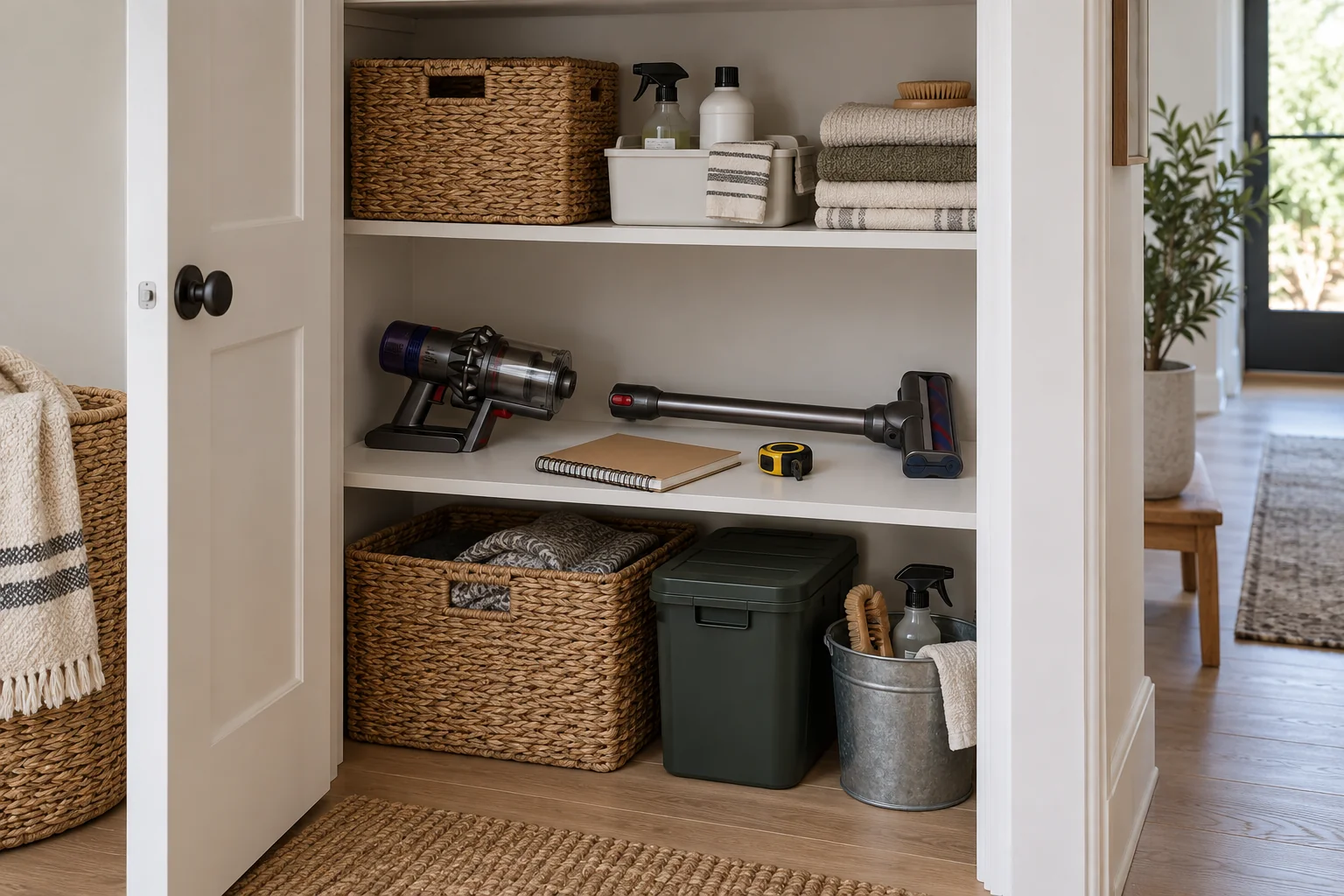
A vacuum parking spot needs room for the stored machine, its approved support and the movement used to take it out. Measuring only the cleaner head can miss a projecting handle, dock base or closet door. Start with the storage configuration allowed for your exact vacuum, then test the complete removal route.
This is a rental-space measuring guide, not approval to charge a battery inside any closet. Storage, mounting and charging are separate decisions. Follow the vacuum and charger instructions, and check rental rules before attaching anything to a wall or door.
Define what “parked” means for your model
Write the model number and describe how the machine is intended to rest when unused. It may use a wall dock, a compatible floor stand, a folded configuration or separated components. Do not assume a stick vacuum can stand unsupported simply because its head sits flat.
A manufacturer’s compatible stand can change the measurement substantially. For example, Dyson describes Floor Dok part 972214-03 as a freestanding charging dock for specified V11, V15 Detect and Outsize models, with storage for up to five tools and no drilling. That description applies to the stated part and compatibility list; it does not establish that any Dyson dock fits any vacuum.
If you are still shopping, obtain the assembled dimensions and approved storage instructions before reserving a space. A shipping-box size is not the parked footprint. If the manufacturer does not publish the measurement you need, ask for it rather than estimating from a product photograph.
Measure the closet with the door in use
Remove loose clutter, then measure the available floor or shelf area without including space already occupied by pipes, trim or fixed fittings. Record the narrowest opening, usable depth and overhead obstruction. Note a sloping ceiling, shelf lip, door handle or hinge that projects into the space.
Open and close the door slowly while watching its path. A machine can fit with the door fully open yet collide with it halfway through the swing. For sliding doors, check the opening available when the neighboring panel is in its normal position. Do not remove a door stop to gain a few extra inches.
Mark where the person taking out the vacuum will stand. The closet may have enough internal space but leave no practical place to grip the machine. Include the nearby laundry basket or shoes if they normally remain there; an empty-closet demonstration can hide the real problem.
Record four different measurements
| Check | Measure or observe | Pass condition for your setup |
|---|---|---|
| Parked footprint | Complete approved configuration, including stand and accessories | Fits entirely within the usable area |
| Stored height | Highest point in that configuration | Does not meet shelving or fittings |
| Release movement | Lift, tilt or slide required by the support | Can be completed without collision |
| Removal route | Door opening, grip access and path into room | Machine comes out without moving fixed obstacles |
| Return movement | Reverse route and proper engagement with support | Machine returns to its intended supported position |
The table deliberately has no universal clearance number. Use the actual product instructions and movement. A small measured gap does not prove there is enough room to lift a machine off a dock or operate its release.
Test the footprint without risky balancing
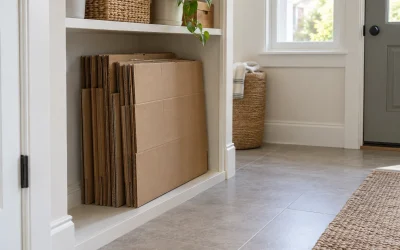
Before bringing the vacuum in, use paper or a loose cardboard outline on the floor to represent the complete footprint. Keep the template out of walking routes once the test is over. It is a planning aid, not a platform or substitute for the supplied stand.
Next, test the actual machine in its approved configuration. Do not lean it temporarily against clothing or balance it on a narrow shelf. If a wall dock is required, do not hold it in place by hand and treat that as a successful installation. Resolve mounting permission and the manufacturer’s installation requirements separately.
Include accessories that will stay attached. A crevice tool stored on a side clip may project past the main body. If tools live elsewhere, mark that second location in your plan so the vacuum spot does not gradually expand into an unplanned pile.
Worked example: floor area fits, removal does not
In an illustrative rental closet, the usable floor area is 18 inches wide and 20 inches deep. A compatible stand and stored vacuum occupy a measured 14 by 17 inches. At first glance, the footprint fits. The renter then discovers that the shelf above blocks the upward motion needed to release the machine.
The correct result is “removal failed,” not “fits with three inches to spare.” The renter checks whether the shelf can be relocated under the lease and furniture instructions. If it cannot, another approved storage arrangement or a different location is needed. The example dimensions are fictional and are not dimensions of the Dyson dock.
A second candidate location allows the machine to come out, but its door handle hits the accessory holder during closing. The renter records that collision and rejects the location rather than relying on everyone remembering to leave the door open.
Keep charging and rental permissions explicit
Write “storage only” on the plan if charging will happen elsewhere under the product instructions. Do not route a charging cord through a closing door or assume an enclosed compartment is acceptable. Ventilation, temperature and power requirements come from the specific equipment.
For any proposed mount, confirm the surface, fixing method and rental permission before purchase. “No drilling” is not the same as universal compatibility, and an adhesive accessory is not a guaranteed damage-free alternative. Save the final measurements with the model number so a future replacement vacuum is checked afresh.