Key takeaways
- Build a portable household maintenance folder with model records, source-based tasks, responsibility notes and a clear history of completed work.
What's inside
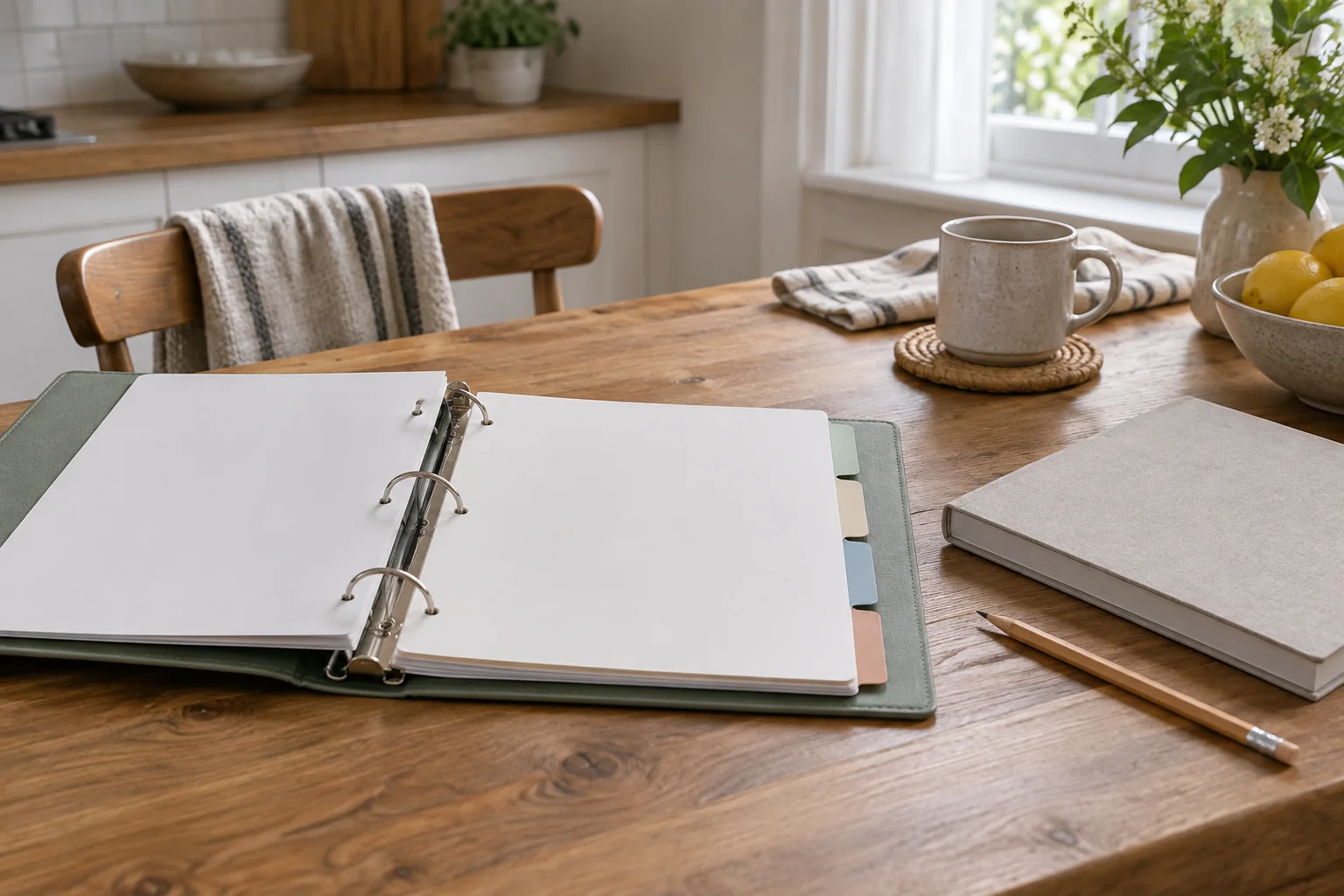
A removable household maintenance folder gives the next person enough information to identify an appliance, find its instructions and see what has already been done. Build it around equipment records and documented tasks, then keep each section removable so it can travel to the appliance or move with you.
The folder is a record system, not a universal servicing schedule. An entry should explain where an instruction came from and who is responsible for the work. It should never turn an unfamiliar repair into a routine household chore merely because a blank calendar needs filling.
Start with an equipment index
List the items you actually maintain: washing machine, vacuum, extractor, portable appliances and other equipment relevant to your home. Assign a short household identifier such as “kitchen dishwasher.” Write the manufacturer, exact model, purchase or installation date if known, and location of the current manual.
GE Appliances’ literature lookup asks for a model number to locate documents such as owner manuals and installation instructions. That illustrates why “GE dishwasher” is not enough for your index. A model identifier is a better starting point than a photograph of a similar appliance.
Use accessible labels and paperwork. Do not move a heavy appliance, remove a cover or reach near electrical connections just to complete the sheet. An unavailable number can stay marked “needs safe identification.” Keep serial numbers and purchase receipts in a private section rather than on a shared noticeboard.
Give each appliance a removable packet
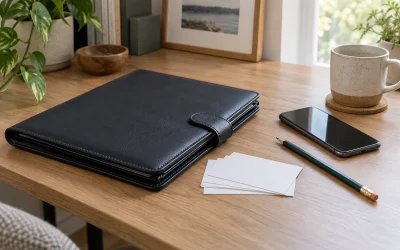
Use a ring binder, removable document wallet or another format that allows one packet to leave the folder without scattering the rest. Put the equipment summary at the front, followed by the manual reference, task record and service history.
For a long manual, keep a downloaded copy in a named local folder and print the relevant user-care pages with their page numbers. Preserve the whole document digitally so a clipped paragraph does not lose an important warning. Record the edition or download date, especially when a support site lists several versions.
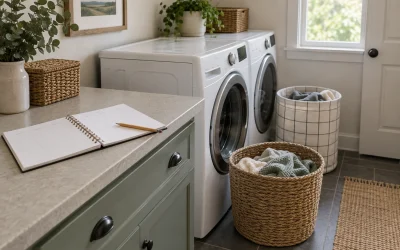
Store the main folder somewhere household members can find it without blocking access to equipment. Keep it away from routine splashes and heat. If you carry a packet into a laundry room, return it after the task rather than leaving it on the appliance.
Turn instructions into traceable task records
| Field | What to write | Why it belongs |
|---|---|---|
| Equipment and model | Exact index reference | Prevents applying another machine’s task |
| Task and source | Manual section and page | Makes the instruction checkable |
| Trigger | Maker interval, alert or observed condition | Avoids invented universal schedules |
| Responsible person | Resident, landlord or service provider | Separates permission from convenience |
| Last completed | Date and relevant note | Shows what actually happened |
| Next action | Due date, monitor or seek advice | Keeps unresolved work visible |
Copy the task’s scope accurately. If the manual assigns work to qualified service personnel, the folder should record contacting service, not provide a home repair shortcut. For a rental, check who owns the equipment and who may authorize work before creating a personal task.
Keep completed work separate from reminders
A tick on a recurring calendar does not prove a job was done. Keep the planned date and completion date in different fields. If a task is postponed, leave the completion field blank and note the reason. This is especially useful when several people use the same folder.
Record only observations that help the next decision: an alert remained after the instructed step, a part number was confirmed, or a service appointment was arranged. Avoid guessing at a fault diagnosis. Save the provider’s written findings separately when professional work is completed.
A small change log helps when manuals or household responsibilities change. Note the date, what changed and which older sheet is now superseded. Do not leave two conflicting schedules at the front of the same packet.
Worked example: a rented-home handover
Imagine a household preparing for a new housemate. The folder contains four equipment packets. The dishwasher packet has a verified model and manual, the vacuum packet lists its accessory references, and the washer packet has a completed care task. A fourth appliance still lacks a safely readable model label.
The new housemate is assigned one user-care task described in the relevant manual. The landlord retains responsibility for a reported fault. The unidentified appliance stays in the “information needed” list rather than receiving a copied schedule from another model.
After a month, the housemate records one completed task and one postponed task. The folder now shows a real history, including uncertainty. It is more useful than a page with every monthly box checked simply because the month ended.
Make the folder easy to remove and update
When an appliance leaves the home, remove its active packet and archive it if receipts or service records are still needed. When a replacement arrives, create a new index entry rather than overwriting the old model. Reuse the folder structure without carrying forward incompatible instructions.
Review the index when household members change, equipment is replaced or a manual is updated. Keep a backup of essential documents in a location the appropriate people can access. Leave passwords, payment details and unnecessary personal information out of the shared folder.
The finished system should answer four questions quickly: which machine is this, where is its instruction, who handles the task, and what happened last time? If those answers are clear, the folder is doing its job.